
Yealink
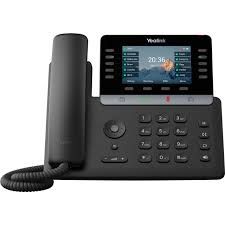
Yealink T74U
Business IP Phone with 4.3-inch LCD Screen
Shop / Desk phones
Yealink, Fanvil and Grandstream, in stock and set up for your phone system before they ship.
In stock now
Our most popular models first, then the rest of the range.
Yealink
Business IP Phone with 4.3-inch LCD Screen
Yealink
IP desk phone
Yealink
IP Phone Prime Business Phone
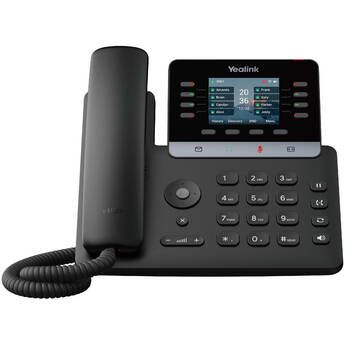
Yealink
Multifunctional SIP Phone, Excellent Voice Communication
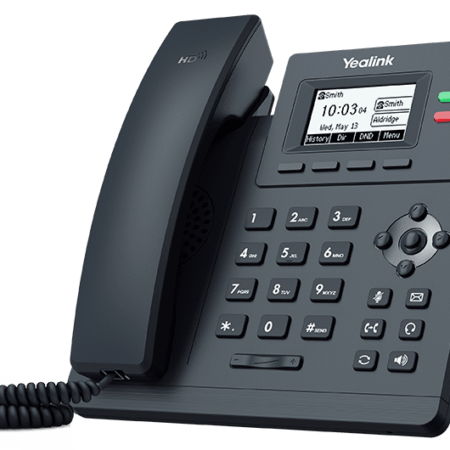
Yealink
IP Phone PoE LCD 2 Lines
Yealink
IP Phone HD PoE 2 Line Gigabit
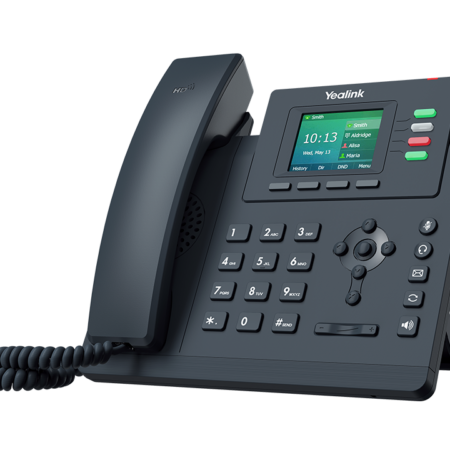
Yealink
IP Phone HD PoE 4 Line Supports Wireless Headset EHS35
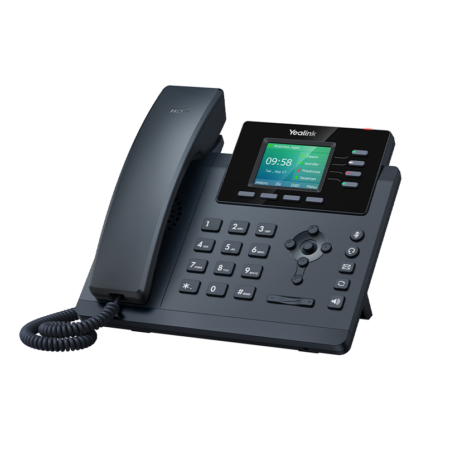
Yealink
Entry-level IP Phone with 4 Lines
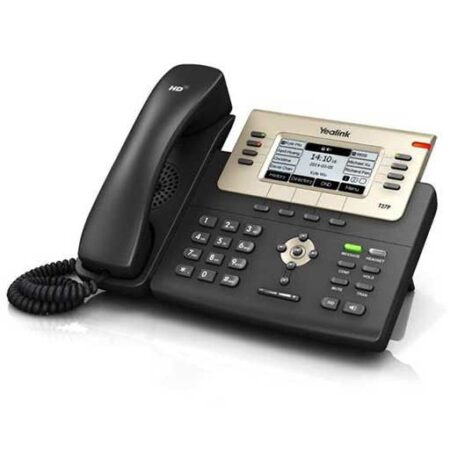
Yealink
SIP Phone 3.66 LCD with Power Supply
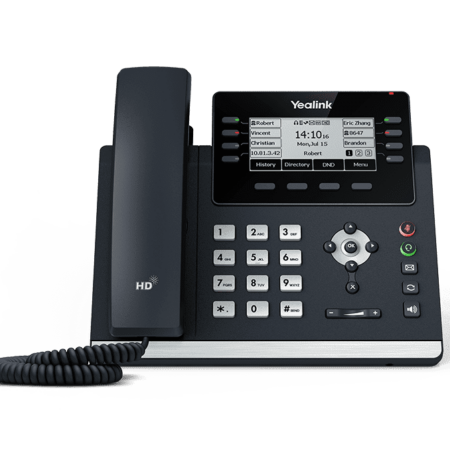
Yealink
IP Phone PoE LCD 12 Line
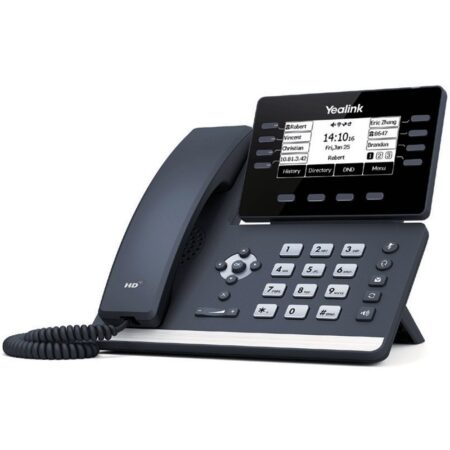
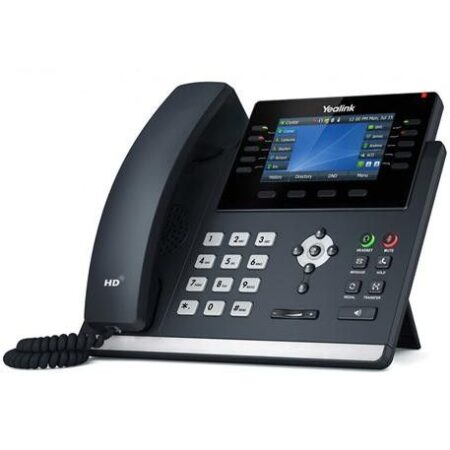
Yealink
IP Phone Prime Business Phone
Yealink
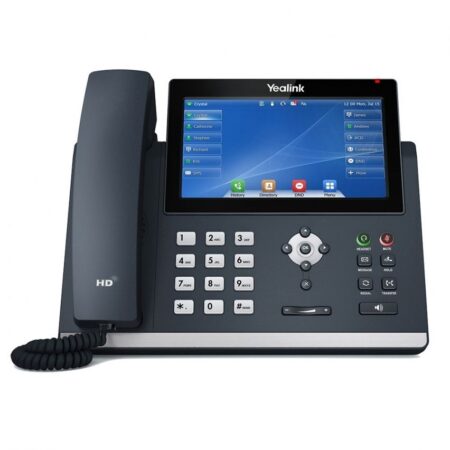
IP Phone HD PoE Color LCD 10 DSS Keys
Yealink
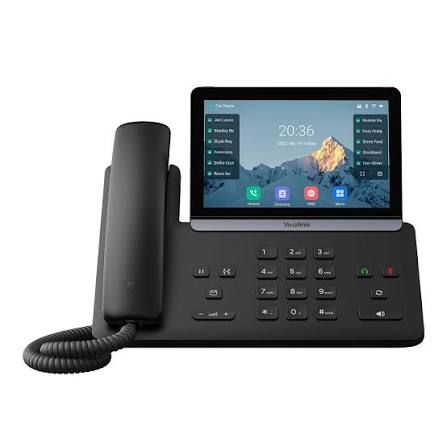
IP desk phone
Yealink
IP desk phone
Fanvil
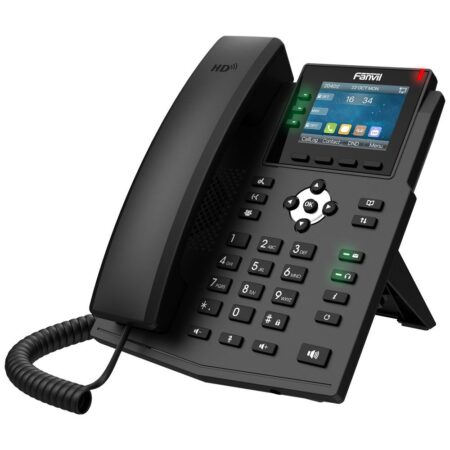
IP Phone HD PoE Hotel 6 Programmable Keys
Fanvil
IP Phone HD PoE 2.8″ Color Display
Fanvil
IP Phone PoE 3.5″ LCD Hotel 6 Programmable Keys
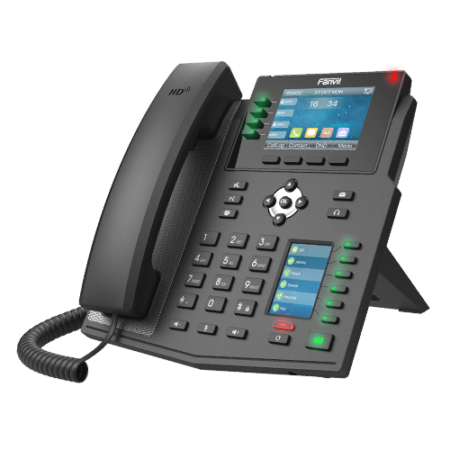
Fanvil
IP Phone HD PoE 2.8″ Color Display 30 DSS Keys
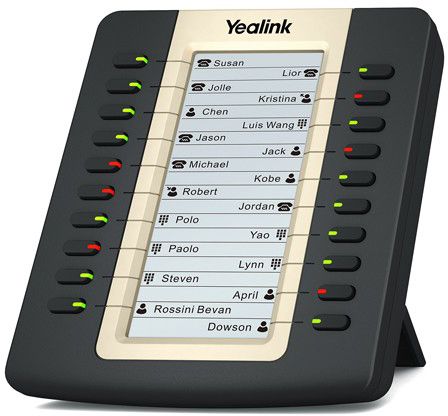
Expansion
Buttons for T46/8 Phones
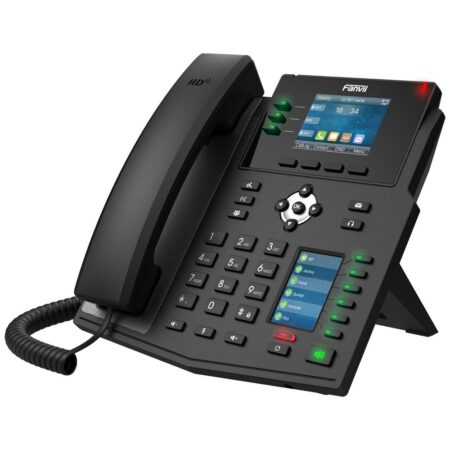
Fanvil
IP Phone HD PoE 2.8″ Color Display 30 DSS Keys
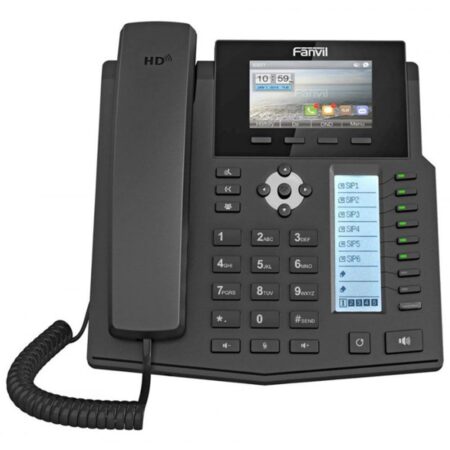
Fanvil
IP Phone HD PoE 3.5″ Color Display
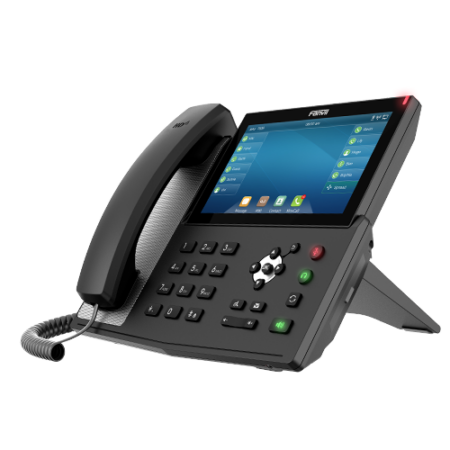
Fanvil
IP Phone HD PoE 5″ Color Display Wi-Fi
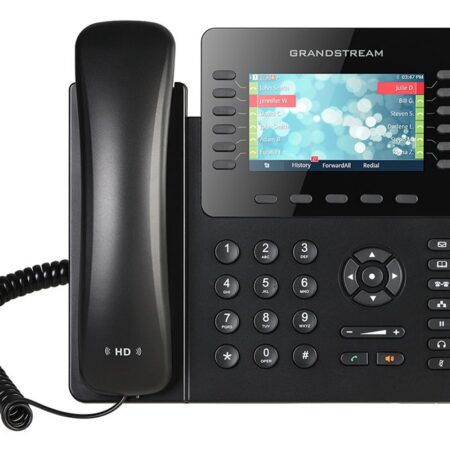
Grandstream
IP Telephone 4 Line SIP PoE
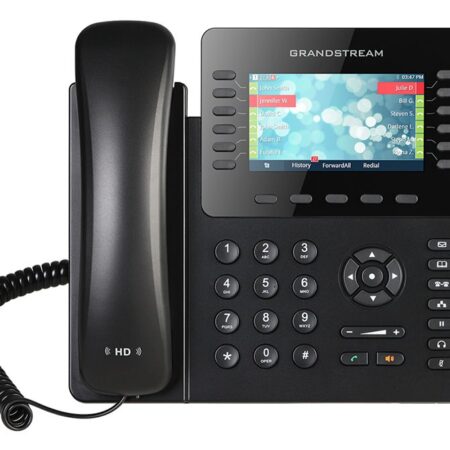
Grandstream
IP Telephone 4 Line SIP PoE
Fanvil
IP Phone HD PoE 7″ Color Display Wi-Fi Touchscreen
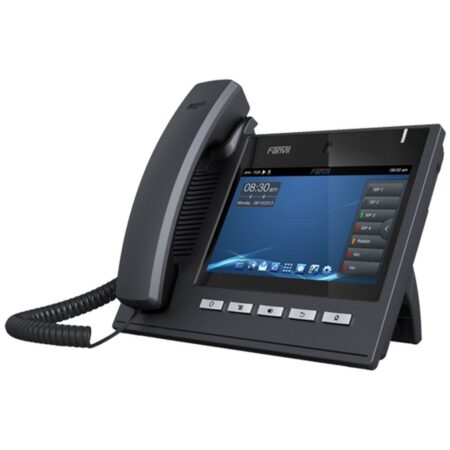
Fanvil
IP Phone HD PoE 7″ Color Display HDMI
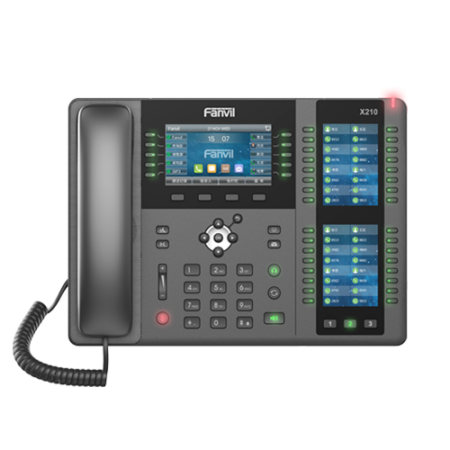
Fanvil
IP desk phone
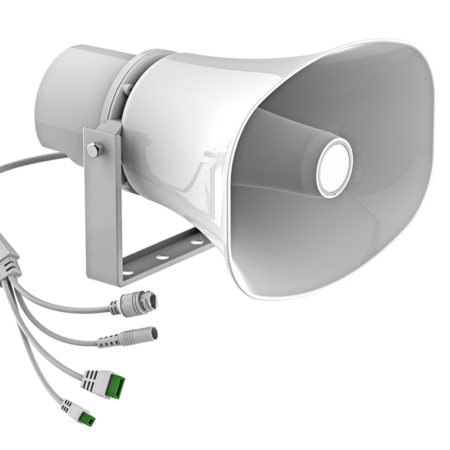
Fanvil
IP Horn Seaker
How to choose
Most people need fewer buttons than they think. A receptionist who transfers calls all day needs many line keys and maybe an expansion module. A nurse or a back office desk needs clear audio, a handful of keys and nothing to learn.
Almost every phone here can be powered by the network cable from a PoE switch, so there is no power brick at the desk.
Phones with a W in the name have Wi-Fi built in, for desks where there is no network jack.
USB, Bluetooth or a standard headset jack, depending on the model. Check the headset page for pairs that work.
We load your extensions and buttons before shipping.
Model names, decoded
Yealink packs a lot into a model number. This is how we read it when we recommend one.
| Letter | What it tells you | Examples |
|---|---|---|
| P | Power over Ethernet, standard network speed | T31P |
| G | Gigabit network port, so a computer can plug into the phone at full speed | T31G, T33G |
| U | USB port for a headset, Bluetooth or Wi-Fi dongle, or recording | T43U, T46U, T48U, T73U, T74U |
| W | Wi-Fi built in (and Bluetooth on most models) | T34W, T53W, T57W, T58W, T85W, T87W |
Set up before it ships
Tell us at checkout which phone system the phone is for. If it is EmpireUC, we load your extensions, names and buttons before it leaves us, so the phone works the minute it has a network cable and power.
If you use another hosted or onsite system, these are standard SIP phones and work with most of them. Call us with the system name and we will tell you before you buy.
Questions
They are standard SIP phones, so they work with EmpireUC and with most hosted and onsite SIP systems. Tell us which system you use and we will confirm before you order.
Not necessarily. Most of these phones can run on a power adapter instead. If you are fitting out a whole office, a PoE switch is usually simpler and tidier.
Yes. For EmpireUC we configure every phone before it ships. For other systems we can usually do the same if you give us the details.
A phone with plenty of line keys and support for an expansion module, so each extension has a key with a busy light. Ask us and we will match it to how many people they cover.
Keep shopping
DECT handsets and bases for staff on the move.
Wired, Bluetooth and DECT headsets.
SIP door stations, keypads and indoor monitors.
Speakerphones for meeting rooms and video phones.
Tell us how many people and what they do, and we will recommend the mix of phones, headsets and switches.