
Welcome menus and ring groups
“Press 1 for admissions, 2 for the business office.” Callers reach the right person the first time, and each ring group rings a team at once or in order.
EmpireUC
For facilities and businesses that want the phones to simply work, EmpireUC is our own platform: we design the call flow, move your numbers, set up the phones and support all of it ourselves. Want a specific platform instead — RingCentral, Dialpad, Five9? We carry those too.
Every call accounted for
Most missed calls aren’t missed by people. They’re lost by call flows with nowhere to go. We design yours so that can’t happen.
“Press 1 for admissions, 2 for the business office.” Callers reach the right person the first time, and each ring group rings a team at once or in order.
Business hours, after hours and holidays each get their own routing, set in advance — and every one has a destination for when nobody answers.
Messages go to your email with the caller’s details, and to text where transcription is on — so nobody has to dial in to check.
Features
Set up by our team, and changed by our team whenever you need — portal requests get a response in under 5 minutes.
“Press 1 for admissions…” — greetings that send callers to the right person, recorded free for customers.
Ring a team all at once, or in order, in tiers.
Callers wait in line for the next available person, and you can see how many are waiting.
Different routing for business hours, after hours and holidays, set in advance.
Every schedule has an “if nobody answers” destination. We never leave it blank — that’s where calls vanish.
Send calls to a cell phone or another number when you’re away from your desk.
Messages arrive in your inbox with the caller’s details.
Read voicemails as text, where transcription is turned on for your account.
Hold music, or recorded messages about your services.
Text from your business number. Carriers require 10DLC registration first — we help with it.
Our porting specialists move your existing numbers across.
Add numbers in the area codes you need.
Yealink, Poly, Mitel and Grandstream desk and video phones.
Record calls for quality and training, stored securely.
Every phone’s emergency address is checked before it’s saved, so dispatchers are sent to the right place.
Search every call, and export it to a spreadsheet.
See what share of inbound calls get answered, and which don’t.
How long callers actually wait — not just an average that hides the long ones.
Which hours are busiest, and which phones take the most calls.
Switching
We gather your bills and contracts, free, and survey your wiring onsite.
We map your call flow: welcome menus, ring groups, schedules and fallbacks.
We port your numbers, set up your phones and handle old contracts and terminations.
One number, answered 24/7 by a live U.S.-based person.
Phones
EmpireUC runs on Yealink, Poly, Mitel and Grandstream desk and video phones. Already have phones? Tell us the models and we’ll tell you whether they’ll work.




Questions
Yes. Our porting specialists move your existing numbers to EmpireUC with minimal disruption.
We gather your old bills and contracts and manage the terminations for you, including collections.
Us, at (732) 363-9898. A live U.S.-based person answers 24/7 — in under 11 seconds on average — and portal changes get a response in under 5 minutes.
No. EmpireUC suits teams that want it handled. For larger contact centers and multi-site businesses we carry every major platform — RingCentral, Dialpad, Five9, Genesys, 8x8, NICE, Nextiva — and manage whichever you choose.
Calling
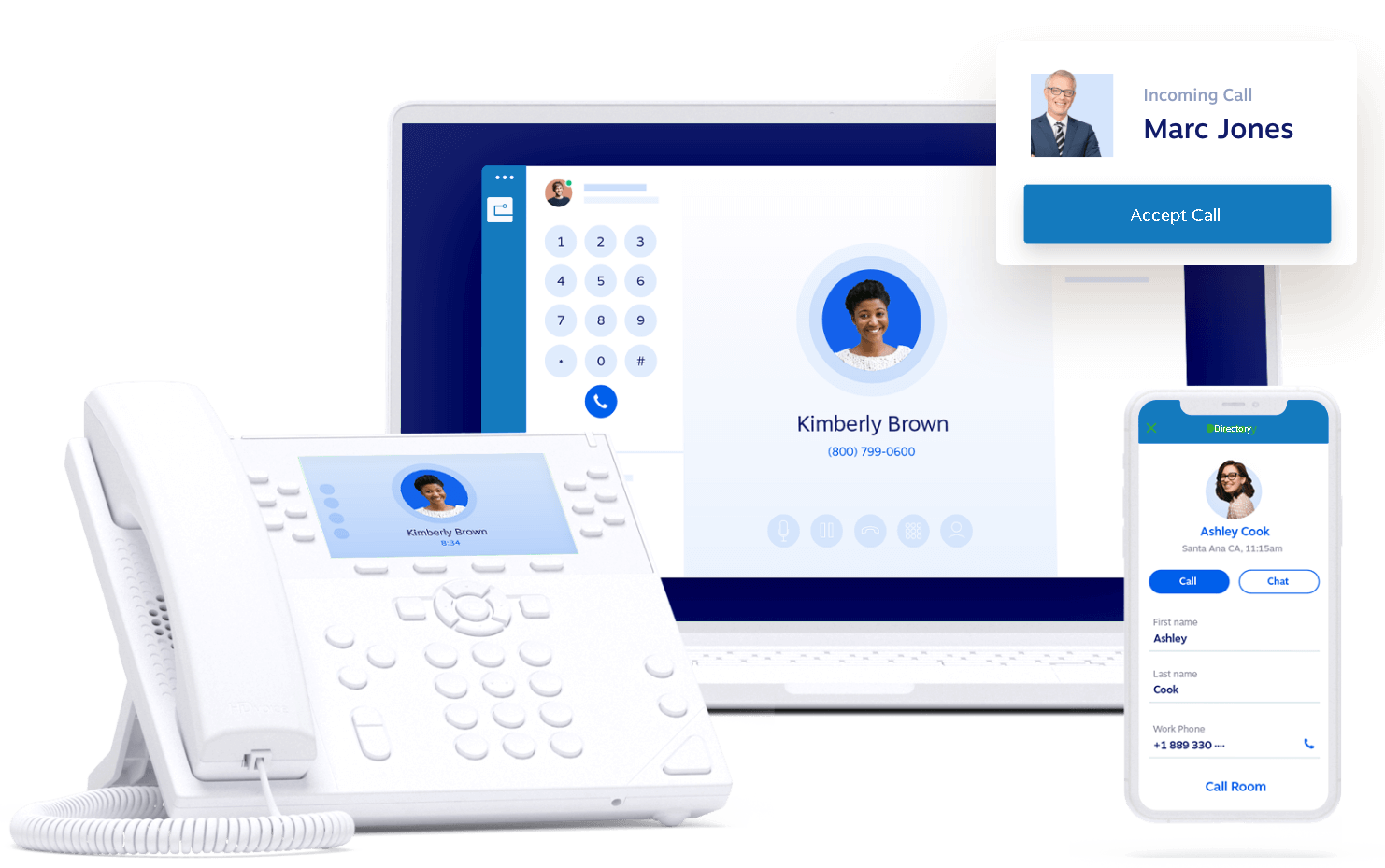
Desk phone · Mobile app · Computer
Ring a team all at once, or in order, in tiers — the front desk first, then the nurses’ station.
Callers wait in line for the next available person, and you can see how many are waiting.
Send calls to a cell phone when you are away from the desk, on the schedule you set.
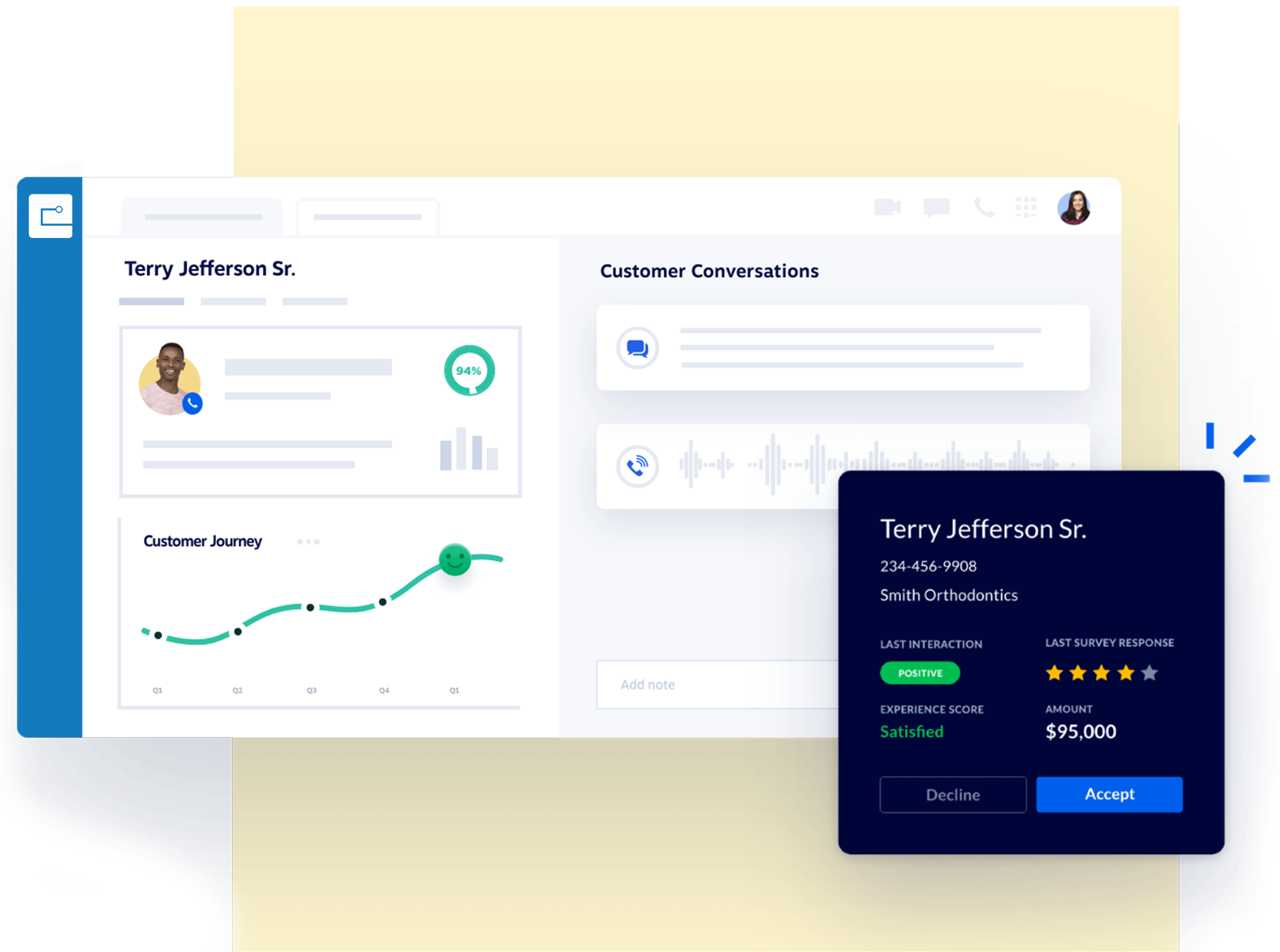
Messaging
Business SMS · Voicemail to email
Send and receive texts from your main company number. 10DLC registration is required — we handle it with you.
Messages arrive in the inbox with the caller’s details, so nothing waits for someone to dial in.
Read voicemails as text where transcription is enabled on your account.

Everywhere
Desktop · Mobile · Desk phone
Everything the desk phone does, from the app on your laptop or phone.
Wherever the call is answered, the message lands in the same place.
We set the devices up before they reach the desk.
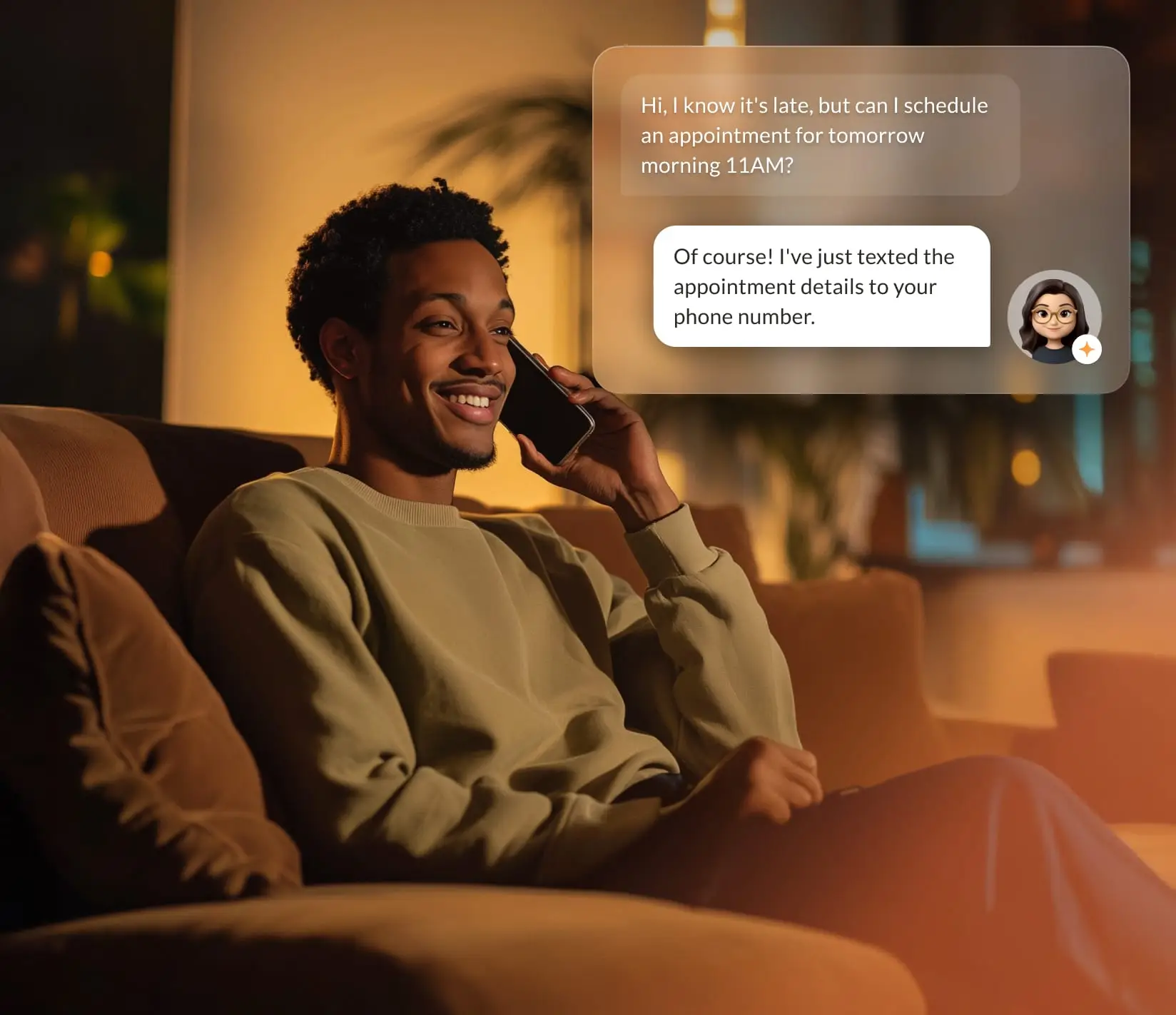
More of it
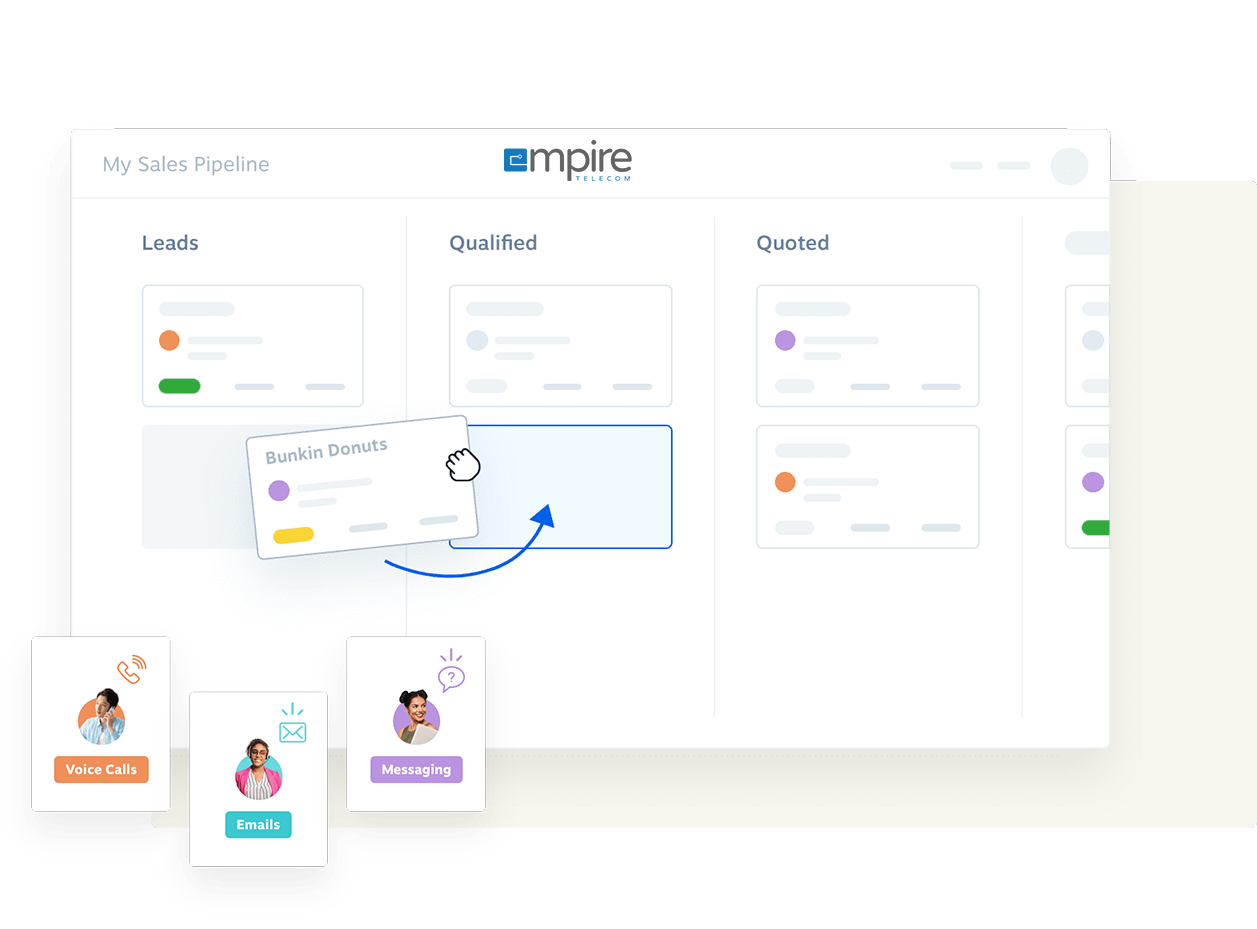
Book a live demo, or send us your bills and we’ll show you what switching would cost.