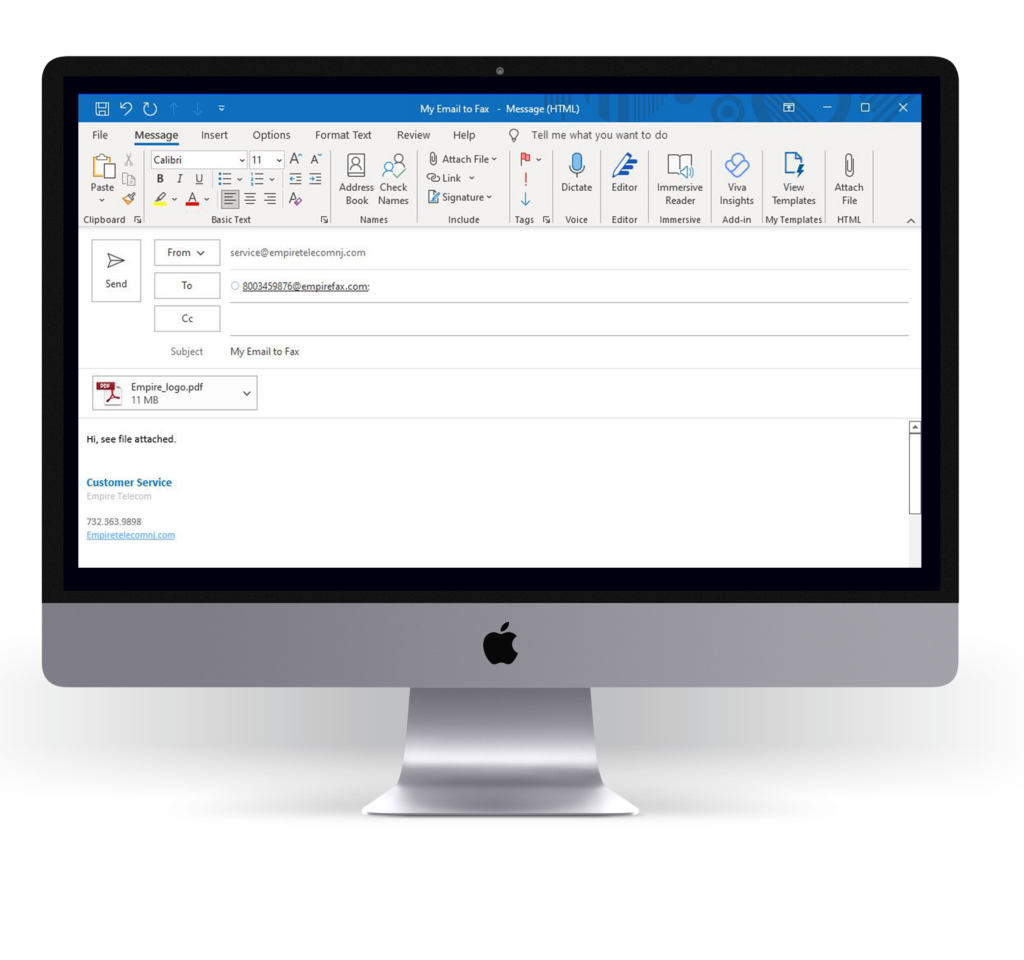
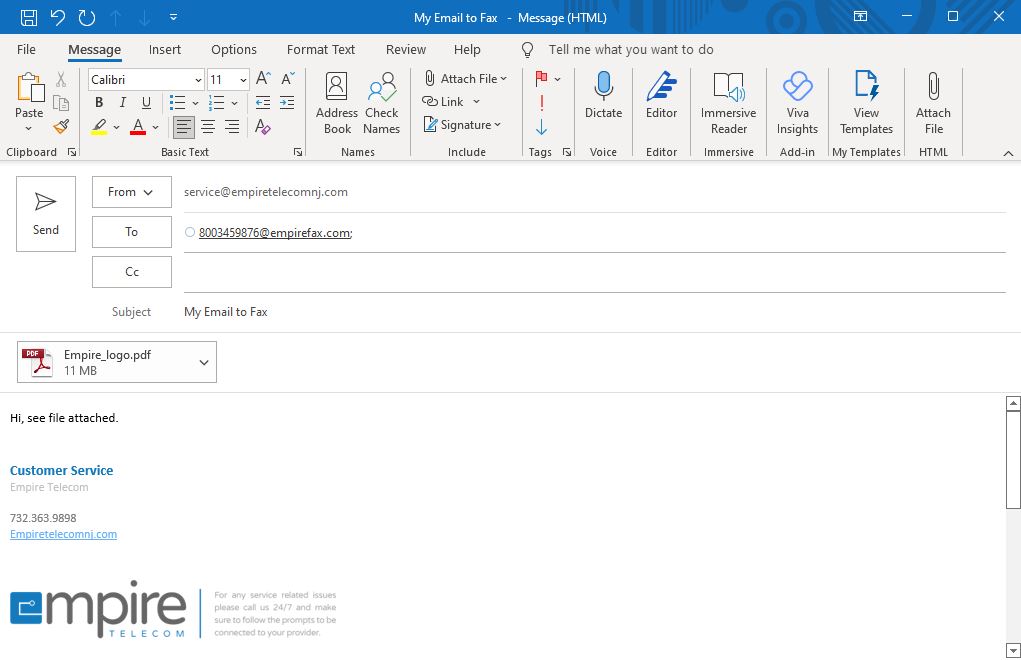
Email to fax
As easy as sending an email.
Address it
Email the recipient’s fax number followed by @digitfax.com.
Attach
Add up to 10 files — over 170 file types, including PDF, DOCX and PNG. The subject and body become an optional cover page.
Send
Your fax arrives at the recipient’s machine. That’s it.
Plans
Pick your volume.
Fax Pro
- Send 150 pages a month
- Receive 150 pages a month
Fax Plus
- Send 200 pages a month
- Receive 200 pages a month
Fax Unlimited
- Unlimited sending
- Unlimited receiving
Keep your machine
Prefer your fax machine?
We provide an adapter (ATA) that connects your existing fax machine to our encrypted system.
- Plug the adapter into your internet and your fax machine
- Full fax reliability
- Unlimited inbound and outbound options
eFax
Fax without the fax machine.
Email to fax · 170+ file types
Send from your inbox
Email the fax number followed by @digitfax.com. The subject becomes the cover page.
Keep the machine if you want
An adapter connects your existing fax machine to our encrypted system.
Encrypted either way
Both routes run on the same secure platform.
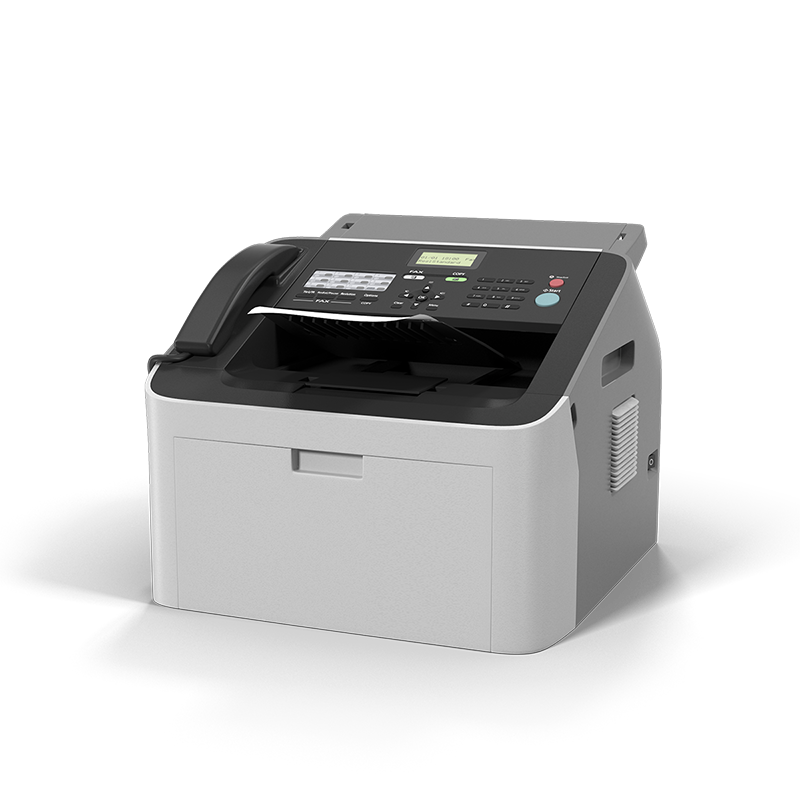
Hardware
Keep the machine if you want it.
ATA adapter · Encrypted either way
Plug it in
An adapter connects your existing machine to our encrypted system.
Same reliability
Confirmations and retries, exactly as before.
Unlimited options
Inbound and outbound plans without a page cap.
Both ways
Email, or the machine you already own.
Ready to stop feeding the machine?
Tell us how many pages you fax a month and we’ll recommend a plan.